
Five Types of Photos Every Business Needs for a Strong Online Presence
If your business shows up online, your photos are already speaking before your copy, pricing, or enquiry form gets a look in. Google notes that people often discover websites visually, and its AI search features still reward the same basics as classic search: helpful text, high-quality images, clear structure, and strong internal links. So if your site still leans on generic stock photos, old images, or a random pile of phone snaps, you are making trust harder than it needs to be.
The mistake a lot of businesses make is thinking they need “more photos”. Usually, they do not. What they need is a tighter set of images, shot with intention, organised for real use, and matched to the places customers actually see them.
What photos does a business website need?
A strong business website usually needs five types of photos:
- The face of the brand
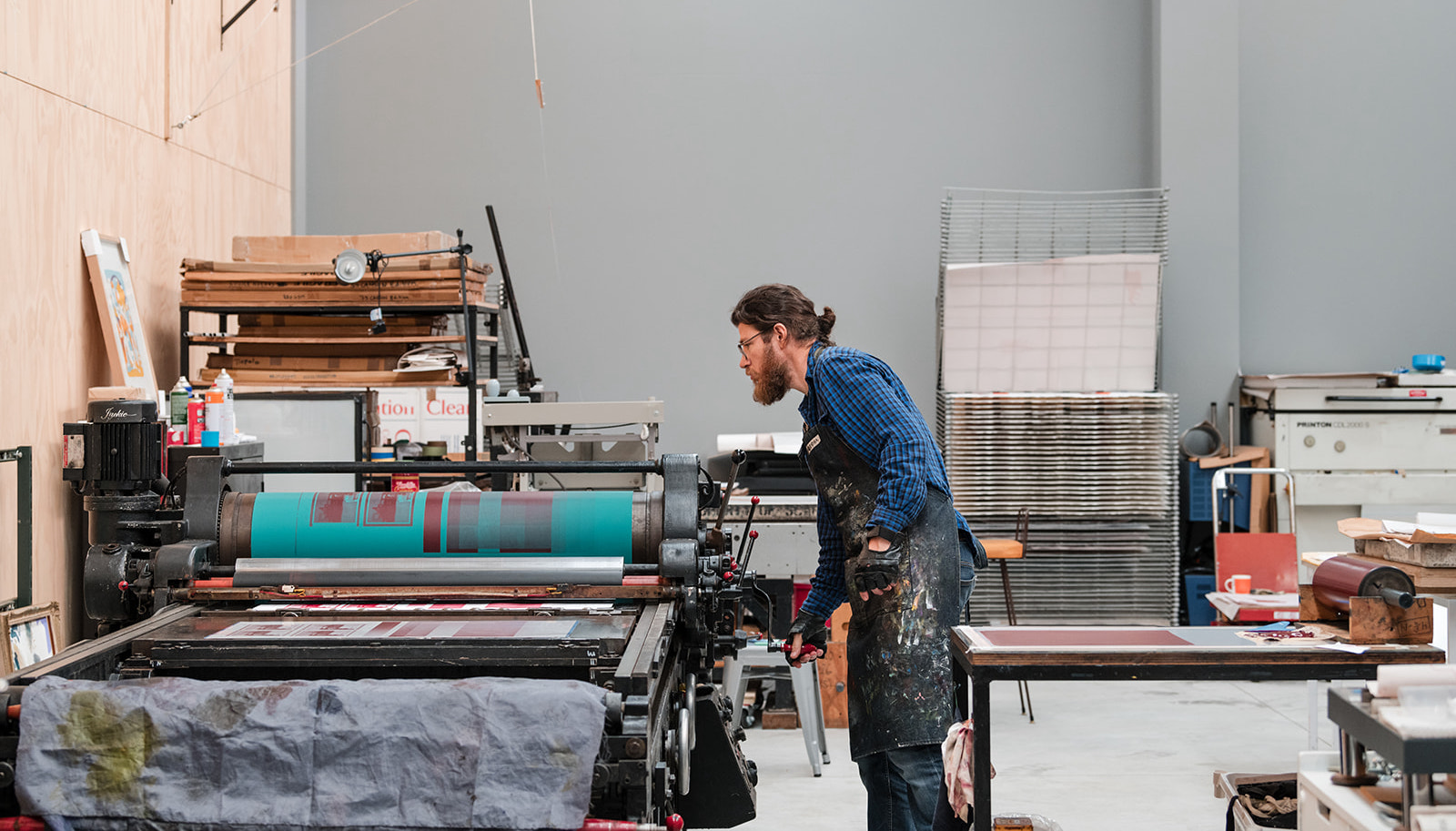
Portraits and headshots that show the real people behind the business. - Behind-the-scenes photos
Images that show your process, preparation, tools, work style, and the care behind what you do. - Product or service photos in action
Photos that help people picture the experience of buying from you, booking you, or working with you. - Space or setting photos
Images of your shop, studio, clinic, office, workspace, vehicle, venue, or real-world working environment. - Brand detail images
Close-ups of signage, packaging, tools, textures, materials, products, hands, surfaces, and other details that make your brand feel like your brand.
If you cover those properly, you can usually build a stronger homepage, better service pages, a more believable About page, and a much more consistent presence across your socials and Google Business Profile.
Why the right photos matter more than ever
Business photos are not decoration. They do jobs.
A strong image can introduce you, explain what you do, show what it feels like to work with you, and make your brand feel recognisable from one platform to the next. That matters because online visitors do not read every page word for word. They scan, compare, and make snap judgments based on what looks clear, real, and coherent. Good photography helps your business feel easier to understand.
Your images also matter technically. web.dev notes that images are often the heaviest assets on a page, so uploading oversized files can slow the site down and hurt the user experience. Google’s page experience guidance makes the same broader point: relevance matters most, but strong page experience still contributes to search success when users have multiple useful results to choose from.
So yes, the visual side matters. But the strategic side matters just as much.
For local businesses in Whangārei, Northland, and across New Zealand, photography also helps people see that your business is real, current, and connected to a place. That is important for trust, but it also supports how people discover you through your website, Google Business Profile, image search, local search, and increasingly through AI-powered search results that pull from clear, useful, well-structured content.
The five types of photos every business needs
1. The face of the brand
Even if you are not a “personal brand”, people still want to know who they are dealing with.
A clean, natural portrait or headshot instantly makes your business feel more human. It gives you something solid for your homepage, About page, LinkedIn profile, speaker bio, press features, team page, proposals, and email signature. If you have a team, this should include both individual portraits and a few relaxed group images.
The goal is not to look stiff or over-polished. It is to look like a real person customers can trust. That means expressions that feel natural, clothing that matches the brand, and a mix of crops so the same set of images works across different layouts.
A useful portrait set might include:
- A clean headshot for profiles and directories
- A relaxed portrait for your About page
- A wider image with space around you for website layouts
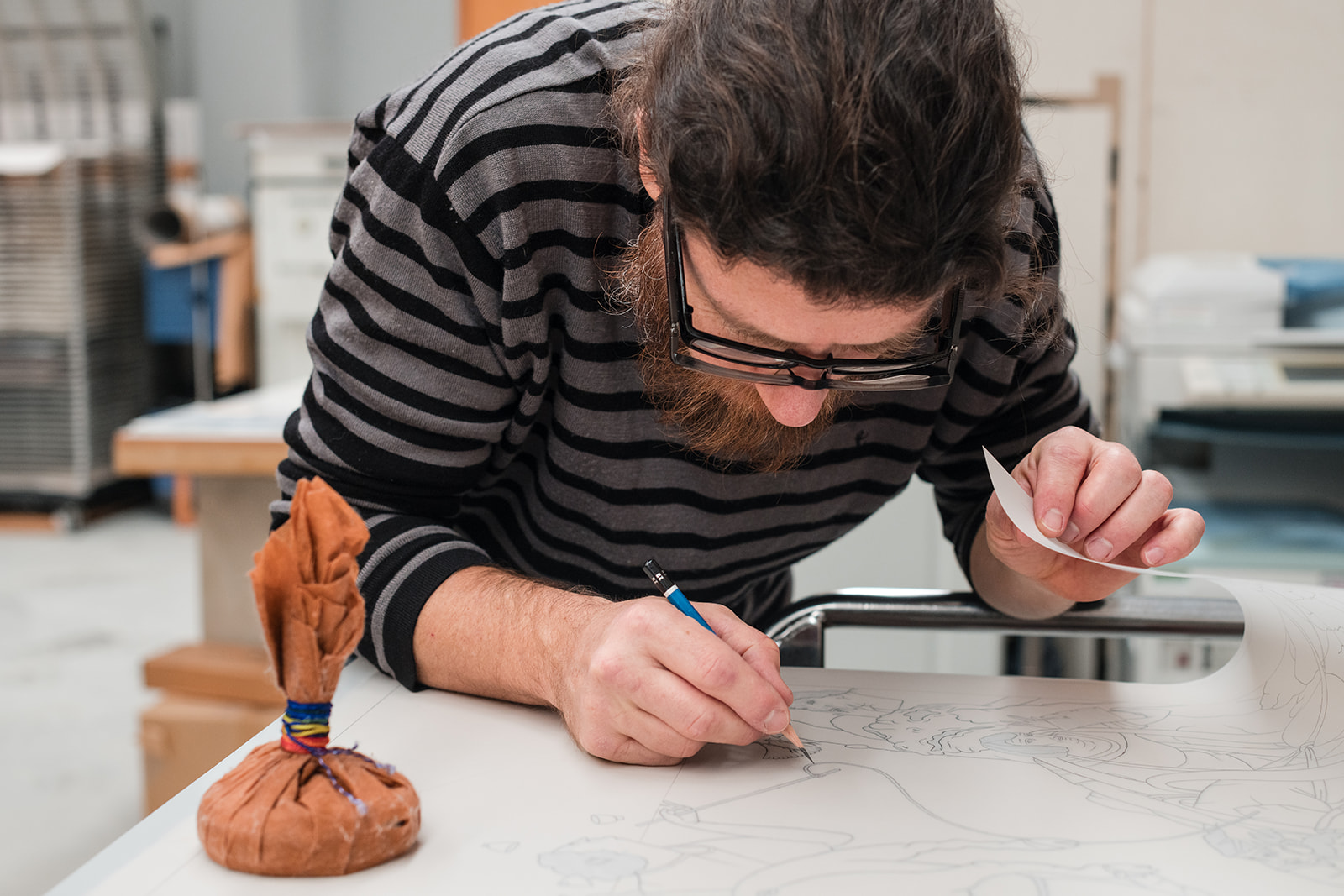
- A working portrait that shows you doing what you do
- A team photo if there is more than one person in the business
If you only have one type of portrait, make it versatile. Get a straight-on option, a more relaxed three-quarter version, and at least one wider image with some breathing room for text overlays. A tight headshot might work beautifully for LinkedIn or your email profile, but it probably will not work as a homepage banner. A wider portrait might be perfect for your website, but too small for a profile thumbnail.
That is why planning matters. One good portrait is useful. A small set of intentional portraits is much stronger.
2. Behind-the-scenes photos
These are the images that show how the work actually happens.
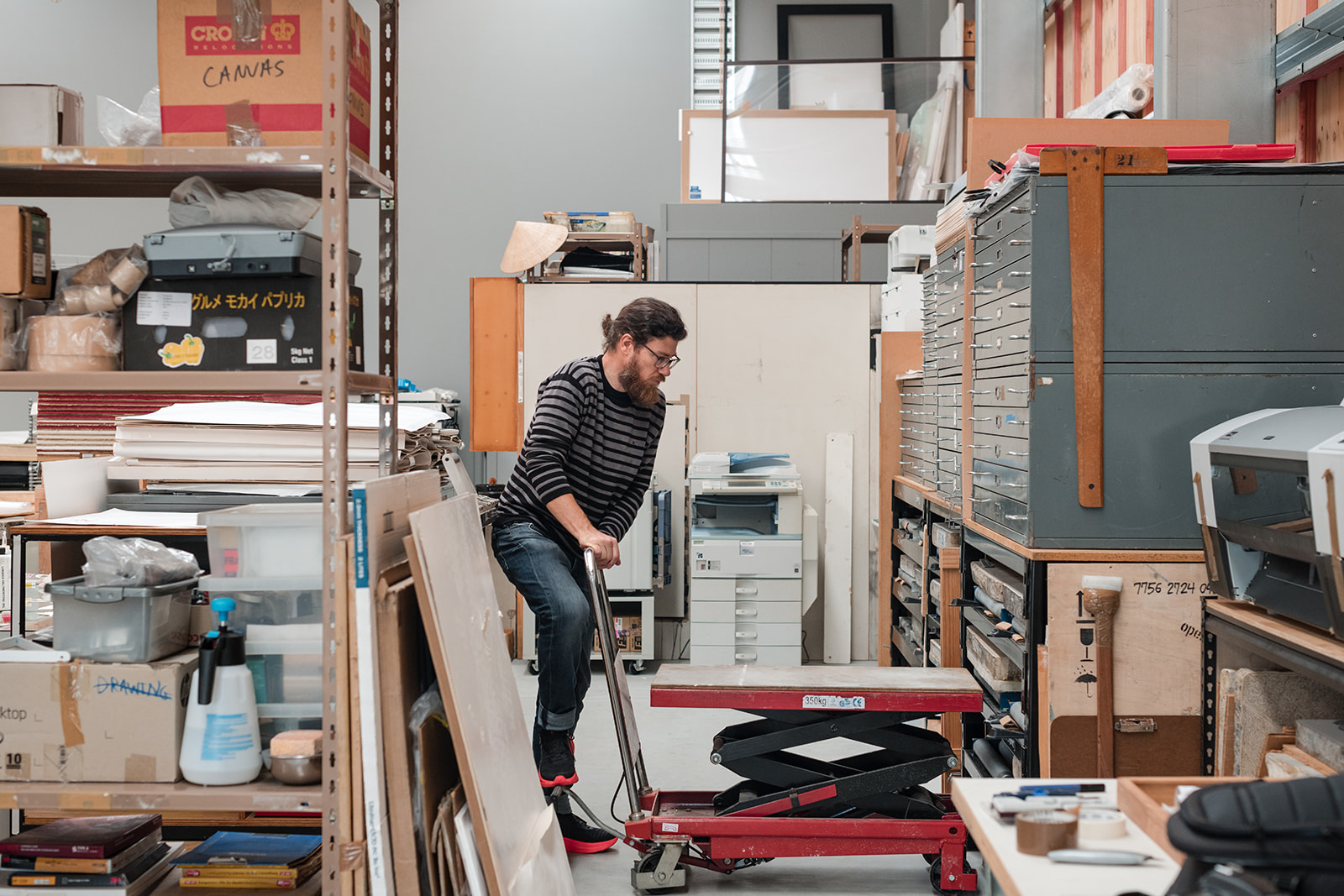
That might mean you packing orders, setting up equipment, consulting with a client, preparing materials, sketching ideas, editing at your desk, opening the studio in the morning, arranging a product display, preparing for a workshop, or getting your space ready before a client arrives. Behind-the-scenes photos add context. They help people see the care, thought, and process behind the finished result.
They are especially useful if your service is hard to photograph directly. A strategist, designer, therapist, coach, accountant, consultant, lawyer, or other service provider may not always have a dramatic “action shot”, but you can still photograph preparation, collaboration, planning, tools, notes, screens, hands, materials, and environment in a way that makes the service feel tangible.
Behind-the-scenes photos are useful for:
- Service pages
- About pages
- Blog posts
- Email newsletters
- Social media content
- Launch content
- Case studies
- Educational posts
These images often become the glue of a website. They break up text-heavy sections, support blog posts, make service pages feel more specific, and keep your socials from becoming a repetitive parade of the same portrait over and over.
No judgement. We have all been there.
Behind-the-scenes photos also make your business feel more transparent. People like seeing how something comes together. Not in a “turn every second of your life into content” way, but in a way that helps them understand the skill, effort, and care behind your work.
3. Your product or service in action
This is where your offer stops being abstract.
If you sell a product, show it being held, used, opened, worn, carried, styled, packaged, gifted, displayed, poured, applied, or placed in the kind of environment your customer would actually use it in. If you sell a service, show the real experience around it. That could be a consultation, a treatment, a workshop, a site visit, an install, a delivery, a planning session, a team meeting, or a client interaction.
This category matters because people do not just want to know what you sell. They want to picture the experience of buying it, booking it, using it, or working with you. In-action images answer that fast.
They also tend to be some of the most useful images on service pages. A portrait tells people who you are. An in-action photo helps explain what you do. A plain product image might show the item clearly, but a lifestyle or in-use image can show scale, texture, feeling, function, and context.
For example, a skincare product photographed in someone’s hand feels different from a flat product cut-out. A lawyer photographed in conversation feels different from a generic pen-and-paper stock image. A café photographed during service feels different from an empty room. A builder photographed on-site feels different from only showing the finished project. A creative business photographed mid-process feels different from only showing the final result.
If you can, build variety into this set. Aim for:
- Wide images that show the full scene
- Medium images that show interaction or process
- Close-up images that show detail, texture, scale, or use
- A few clean images with room for text or cropping
That gives you enough range to support homepage banners, service page bodies, booking pages, social posts, email marketing, proposals, and tighter crops without having to reuse the exact same frame everywhere.
4. Your space or setting
Where does the work happen?
For some businesses that is a clinic, shop, studio, office, workshop, treatment room, showroom, warehouse, venue, or consultation space. For others it is a home studio, a vehicle, an event set-up, a client site, an outdoor working environment, or a mobile kit that comes with them wherever they go. Whatever it is, people like seeing where the business exists in the real world.
This is partly about trust. A real space helps customers feel grounded. It gives them a sense of what to expect before they arrive, enquire, book, or buy. It also matters for local businesses because the same imagery can support your website and your Google Business Profile.
Google’s own photo guidance for business profiles asks for photos that are in focus, well lit, and representative of reality, not heavily altered fantasy versions of the space. That is a useful reminder. Good business photography should make you look polished, but it should still feel real.
If you are location-based, capture both the wider exterior or arrival view and the interior details that help the space feel familiar before someone visits. Show the entrance, the room, the atmosphere, the working areas, and the parts that make the space yours.
If you are mobile, photograph the tools, vehicle, packed kit, on-site set-up, or working context so the business still feels anchored in a real environment. A space does not have to be fancy to be worth photographing. It just has to be honest, intentional, and relevant to the experience your clients or customers are stepping into.
For businesses in Whangārei and Northland, these images can also quietly support local relevance. They show your place, your environment, your connection to the area, and the real-world context of your business, which is far more useful than a generic stock image that could belong to anyone, anywhere.
5. Brand detail images
These are the images people forget to plan, then end up using constantly.
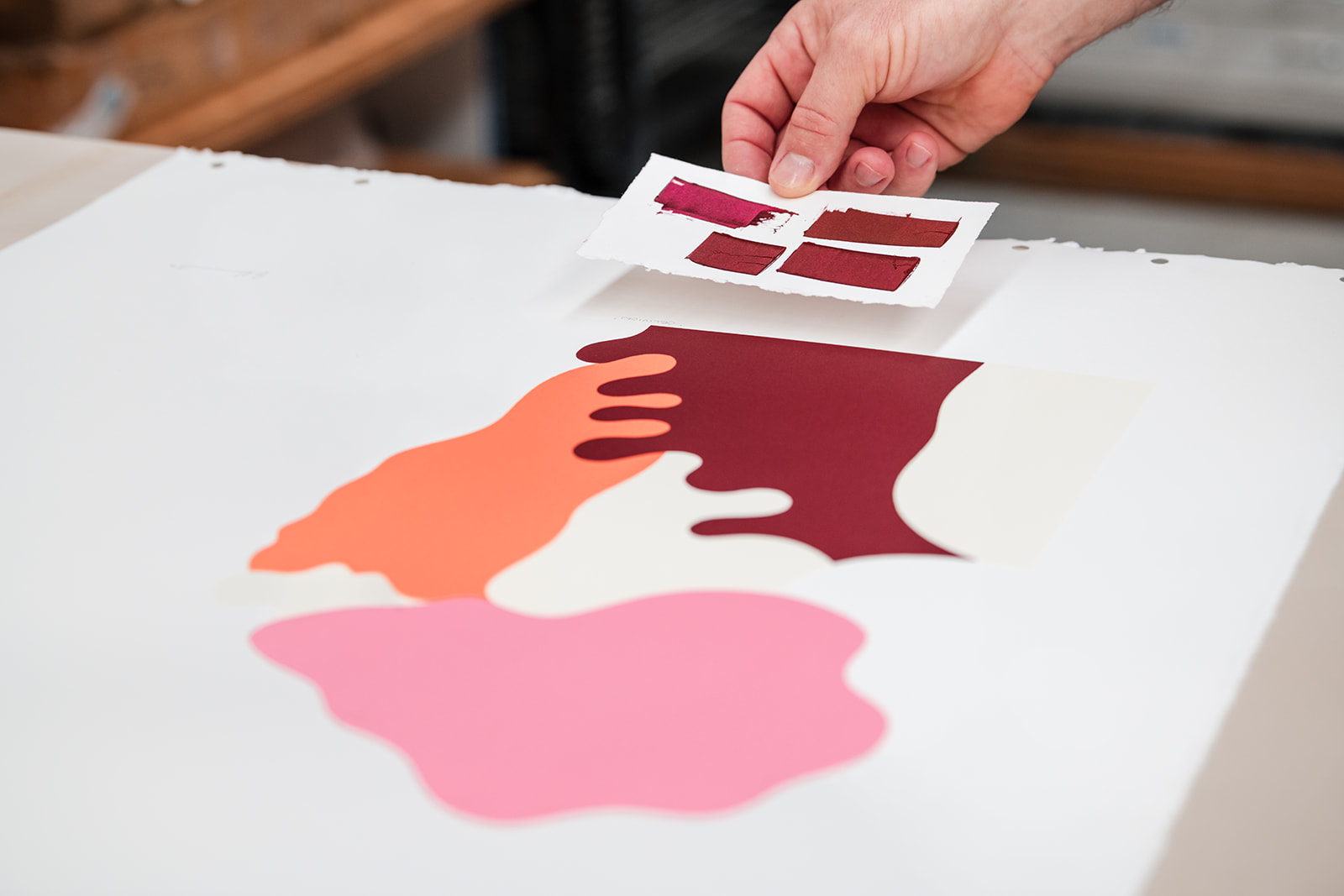
Think signage, tools, textures, packaging, branded stationery, ingredients, materials, interface details, products on a shelf, hands at work, coffee on the desk, close-ups of fabric or paper, labels, screens, samples, props, shelves, work surfaces, or the small visual cues that make your business feel like your business.
Detail shots are incredibly useful for design rhythm. They help on blog headers, email graphics, background sections, story posts, website fillers, proposal PDFs, launch materials, reel covers, and smaller brand moments. They also stop your visual identity from feeling flat.
A good brand gallery is not just portraits plus one hero image. It is a flexible image bank with enough detail to keep everything looking intentional.
For example, a florist might use ribbons, stems, wrapping, buckets, petals, and bench details. A ceramicist might use clay, tools, hands, glaze, shelves, and finished textures. A café might use cups, hands pouring coffee, table textures, signage, ingredients, and service details. A professional service might use meeting spaces, notebooks, screens, office details, client conversation, and branded materials.
Detail photos are not just pretty extras. They make your brand easier to design with. And honestly, they save you from having to use random stock photos when you need a filler image. Which is good, because we can all tell. We are just being polite about it.
How to plan a business photoshoot that actually covers everything
The smartest way to plan a shoot is not to start with poses. Start with placements.
Before anything else, list where the images need to live:
- Homepage hero
- About page
- Service pages
- Contact page
- Google Business Profile
- Instagram and Facebook
- Blog covers
- Press features
- Proposal PDFs
- Email footer
- Booking page
- Newsletter
- Print material
Once you know the placements, the shot list gets much easier.
Next, work backwards from the message each page needs to communicate. If your homepage needs to say “professional but approachable”, your hero image should support that. If your service page needs to say “this is how the process works”, you need action and behind-the-scenes images. If your About page needs to build trust, that is where the portrait set earns its keep.
Then think about format. Website banners often need wider horizontal shots with negative space. Social posts may need square or vertical crops. Blog headers may need clean space for text overlay. Profile images need simple framing. If you only shoot one orientation, you will feel the gap later.
A useful business photography session should usually include:
- A strong hero image
- Clean portraits
- Relaxed portraits
- Team photos if relevant
- Behind-the-scenes images
- Product or service photos in action
- Space or setting photos
- Brand detail images
- Horizontal images for website banners
- Vertical images for social media
- Square-friendly images for profiles and posts
- A few clean images with negative space for text
After the shoot, do not throw away the SEO basics. Google recommends descriptive filenames and useful alt text, and says images should sit near relevant text so the page gives the image proper context. So instead of uploading IMG_4021.jpg, rename the file to something useful, like brand-photography-small-business-owner-studio.jpg, then write alt text that describes the image in context rather than stuffing in keywords.
For example, instead of writing “business photo SEO Whangārei brand photography professional photographer”, something like “Small business owner working at a studio desk during a brand photography session” is much more useful. It describes the image properly, reads naturally, and still gives search engines real context.
If you are publishing a photographer-led article like this one, it is also worth planning one standout hero image in multiple crops, including 16:9, 4:3, and 1:1, because those formats are useful across search, structured data, social sharing, and website layouts.
Where to use these photos across your marketing
Once you have the right five categories, you can use them almost everywhere.
Portraits belong on your About page, profile touchpoints, team sections, author bio, proposal documents, contact page, and any trust-building block that puts a person behind the business. Behind-the-scenes images are perfect for blog posts, email content, launch sequences, case studies, educational content, and social media because they show process, not just outcome.
Product or service images in action belong on sales pages, service pages, booking pages, testimonial areas, campaign pages, and anywhere you need to make the offer feel real. Space photos support homepages, contact pages, local landing pages, Google Business Profile listings, client welcome guides, and recruitment content. Detail images help build consistency across supporting graphics, headers, email content, social media posts, PDFs, reel covers, and smaller brand moments.
Try to place each image close to the copy it supports. Google explicitly says nearby text helps it understand what the image is about and what it means in context. That is good for search, and honestly, it is just good communication.
If a paragraph is talking about your process, show the process. If a page is talking about your team, show the people. If a service page is explaining the client experience, show that experience. If a section is about your physical location, show the space.
Simple, but very easy to overlook.
Common mistakes that make business photos feel generic
The first mistake is relying on one photo type only. A lot of businesses have a decent headshot, then absolutely nothing else. That leaves the rest of the website doing too much work with stock images, cropped phone photos, or awkward repeats.
The second mistake is shooting for one platform only. If every photo is vertical because it was planned for Instagram, your website banners are going to struggle. If every image is a wide website crop, your social feeds will feel repetitive. You need a mix.
The third mistake is uploading huge files and assuming the website will sort it out. Sometimes it will. Often it will not. Images need to be sized sensibly and served responsively, otherwise they can slow the page down for no good reason.
The fourth mistake is lazy metadata. Google calls alt text important for understanding image context, and WAI’s guidance is even stricter from an accessibility point of view. WebAIM’s 2026 report found that more than one in four images on popular home pages had missing, questionable, or repetitive alternative text. So no, “image”, “photo”, or “IMG_9934” is not good enough.
The fifth mistake is putting important words inside graphics instead of keeping them as real text on the page. If a heading or key message only exists as an image, users cannot resize it properly and assistive technology cannot interpret it the same way. WAI recommends using real text instead of images of text wherever possible.
The sixth mistake is choosing photos that look nice but do not actually say anything. Pretty is good. Useful is better. Your business photos should help people understand something: who you are, what you do, what the experience feels like, where the work happens, or why your brand is worth trusting.
FAQs about business branding photos
How many photos does a small business actually need?
You probably do not need hundreds. For many solo operators and small teams, a starter library of a few dozen well-planned, edited images is enough to cover the website essentials and give you breathing room for socials, email, and profile imagery. The better question is not “how many?”. It is “do I have the right categories, crops, and use cases covered?”
What if I hate being in front of the camera?
That is normal. Most people do. The answer is not to remove yourself from the website completely. It is to plan a shoot that includes movement, hands-on tasks, wider crops, seated portraits, walking shots, working images, and less “stare directly into the camera and smile” energy. Good business photography should feel like you on a good day, not like you pretending to be someone else.
Do photos help SEO?
Yes, but not in a magic-button way. Photos help when they are useful, relevant, well-optimised, and properly integrated into the page. Google recommends high-quality images near relevant text, descriptive filenames, and descriptive alt text. Strong images can also help in image search, support a better page experience, strengthen local discovery, and improve the overall usefulness of the page for readers and AI search systems.
Should I still use stock photos?
Sometimes, sparingly. Stock can work for abstract concepts or design fillers if you are careful. But for your homepage, About page, service pages, team page, and local presence, real photos are usually far more persuasive because they show the actual people, place, process, and experience behind the business.
What should I ask for in a branding shoot?
Ask for portraits, process shots, service or product-in-use images, wide and close-up images of your space, and detail shots. Ask for landscape, portrait, and square crops. Ask for a hero image with room for text. And ask for a small bank of flexible detail images, because those are the ones you always end up needing later.
How often should a business update its photos?
If your team, space, services, products, branding, or overall look has changed, it is probably time. For many businesses, updating brand photos once a year or every couple of years keeps things feeling current. If you rely heavily on launches, campaigns, seasonal content, social media, or regular website updates, smaller refreshes throughout the year can be more useful than one big shoot every few years.
Final thought
You do not need a giant image library to look polished online. You need the right images, shot with purpose.
If your business has portraits but no process, products but no people, or a website full of stock photos that do not really feel like you, that is the gap to fix. A strong business gallery should help people understand who you are, what you do, and why they should trust you, without making them work for it.
That is exactly how I’d approach it at Photography by Nimmy. Not with a folder of random pretty files, but with a practical set of images your website, socials, Google profile, and client touchpoints can actually use.
If you are also weighing up quick phone clips against a professional shoot, my guide to phone content, UGC and professional photography explains how the two work together.
.webp)

.webp)
.webp)